

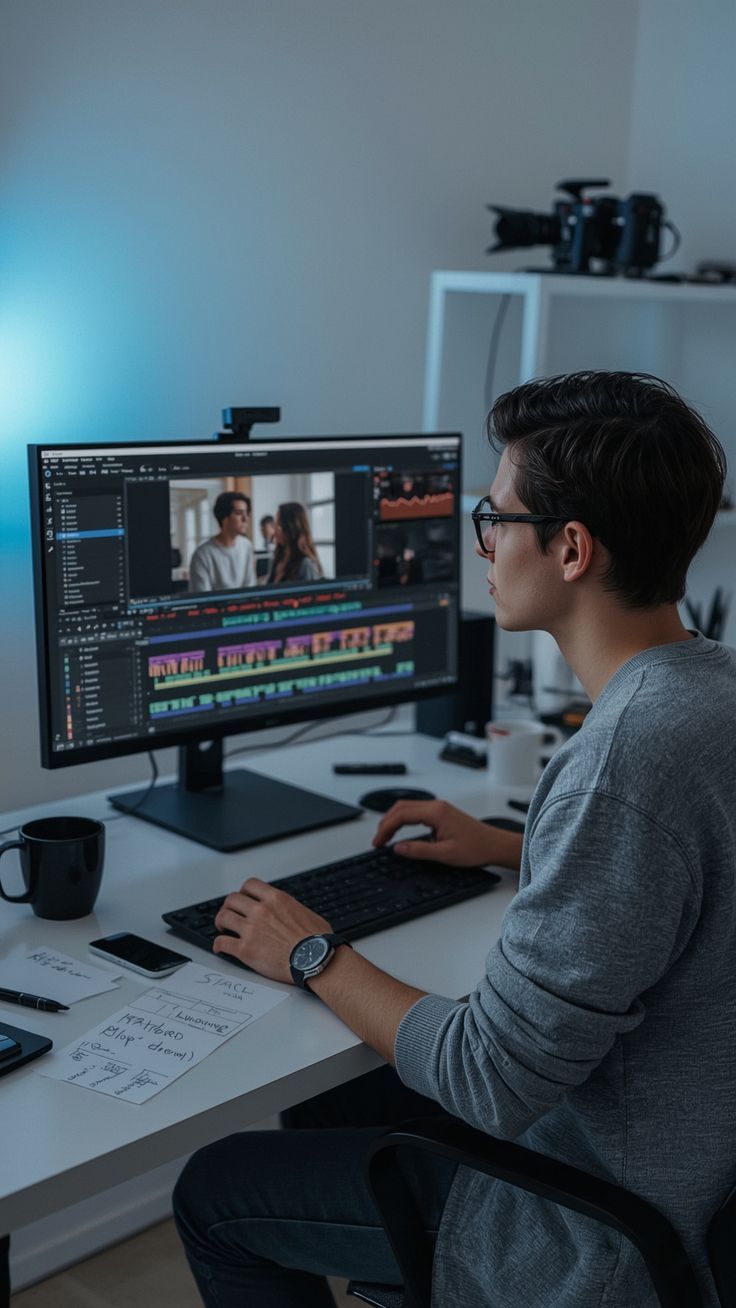
In today’s digital world, video content is everywhere—from YouTube and Instagram to marketing campaigns and online courses. If you are just starting your journey in video creation, choosing the right Video Editing Tools for Beginners can make a huge difference. The right software helps you edit videos easily, add transitions, improve audio, and create professional-looking content even if you have little experience.
Many beginners struggle with complicated editing interfaces and advanced features that are difficult to understand. Fortunately, several Video Editing Tools for Beginners are designed with simple interfaces, drag-and-drop functionality, and built-in templates. These tools allow new creators to learn video editing quickly and produce high-quality videos without spending years mastering complicated software.
Why Beginners Need the Right Video Editing Tools
When you are new to video editing, using professional-level software without proper guidance can be overwhelming. That’s why beginner-friendly software focuses on ease of use and essential features.
Here are some reasons why Video Editing Tools for Beginners are important:
-
Easy and intuitive interface
-
Drag-and-drop editing features
-
Pre-made transitions and effects
-
Built-in music and sound tools
-
Export options for social media platforms
Many tools also include templates, filters, and AI-based editing features that help beginners create engaging videos faster. According to industry comparisons, beginner-friendly tools like CapCut, iMovie, and Filmora offer simplified workflows and preset effects to help new creators edit videos quickly.
Top Video Editing Tools for Beginners
Let’s explore some of the most popular Video Editing Tools for Beginners that are widely used by content creators, YouTubers, and digital marketers.
1. Adobe Premiere Pro
Adobe Premiere Pro is one of the most popular video editing software programs used by professionals and beginners alike. Although it has advanced features, beginners can start with basic editing tools such as trimming clips, adding transitions, and adjusting audio.
Key Features
-
Multi-track timeline editing
-
Advanced color correction tools
-
Integration with other Adobe apps
-
Professional-quality export options
It is widely used in film production, YouTube editing, and professional video creation.
2. DaVinci Resolve
DaVinci Resolve is another powerful editing software that offers a free version with professional-level tools. Many creators consider it one of the best Video Editing Tools for Beginners who want to grow into advanced editing.
Key Features
-
Professional color grading tools
-
Audio editing and visual effects
-
High-quality export options
-
Free version with powerful features
The software is widely used for color correction and professional filmmaking.

3. Wondershare Filmora
Filmora is one of the most beginner-friendly video editors available today. It is known for its simple interface and drag-and-drop editing system.
Filmora supports Windows, macOS, Android, and iOS platforms and includes built-in effects and templates for quick editing.
Key Features
-
Easy drag-and-drop editing
-
Built-in transitions and effects
-
AI-powered editing tools
-
Beginner-friendly interface
Because of its simplicity, many beginners prefer Filmora when learning Video Editing Tools for Beginners.
4. iMovie
iMovie is a free video editing application developed by Apple for Mac, iPhone, and iPad users. It provides basic editing tools and is designed for users with little or no editing experience.
Key Features
-
Free video editing software
-
Simple timeline editing
-
Built-in sound effects and templates
-
Export videos in high quality
For Mac users, iMovie is one of the easiest Video Editing Tools for Beginners.
5. CapCut
CapCut has become extremely popular among social media creators and YouTubers. It offers a variety of templates, effects, and AI-powered editing features.
Key Features
-
Free video editing app
-
Built-in social media templates
-
Automatic captions
-
Mobile and desktop versions
CapCut is widely recommended as one of the simplest Video Editing Tools for Beginners who want to create short-form videos.
External Links to Official Video Editing Tools
Below is a table containing official websites of some popular Video Editing Tools for Beginners.
| Tool Name | Official Website |
|---|---|
| Adobe Premiere Pro | https://www.adobe.com/products/premiere.html |
| DaVinci Resolve | https://www.blackmagicdesign.com/products/davinciresolve |
| Wondershare Filmora | https://filmora.wondershare.com |
| iMovie | https://www.apple.com/imovie |
| CapCut | https://www.capcut.com |
These websites allow users to download software, explore tutorials, and learn how to use Video Editing Tools for Beginners effectively.
Key Features to Look for in Video Editing Tools
When choosing the right Video Editing Tools for Beginners, you should focus on features that simplify the editing process.
1. Simple Interface
A clean and organized interface helps beginners understand the editing timeline and tools easily.
2. Drag-and-Drop Editing
Many beginner-friendly tools allow users to drag clips, music, and effects directly onto the timeline.
3. Built-in Templates
Templates allow beginners to create professional-looking videos without complex editing skills.
4. Export Options
The best Video Editing Tools for Beginners allow exporting videos directly for YouTube, Instagram, or other platforms.
5. Learning Resources
Good editing software provides tutorials, guides, and community support to help beginners learn quickly.
Benefits of Using Video Editing Tools for Beginners
Using beginner-friendly editing software provides several advantages:
1. Faster Learning Curve
You can start editing videos quickly without learning complex technical skills.
2. Professional Video Output
Even beginners can create high-quality videos with built-in effects and transitions.
3. Improved Content Creation
Using Video Editing Tools for Beginners helps creators improve storytelling and visual presentation.
4. Social Media Growth
Well-edited videos attract more viewers on platforms like YouTube, Instagram, and TikTok.
Tips for Beginners Learning Video Editing
If you are new to video editing, here are some tips to help you improve quickly.
Start with Simple Projects
Begin with short videos before working on complex projects.
Learn Basic Editing Skills
Focus on trimming clips, adding music, and applying simple transitions.
Watch Tutorials
Many Video Editing Tools for Beginners provide free tutorials that help you learn editing techniques.
Practice Consistently
Video editing skills improve with regular practice and experimentation.
Future of Video Editing Tools
The future of Video Editing Tools for Beginners is becoming more exciting with AI-powered features. Many editing tools now include automatic subtitles, background removal, and smart editing tools that simplify video production.
These innovations are making video editing more accessible for beginners, content creators, and marketers worldwide.
Conclusion
Video editing has become an essential skill for content creators, marketers, and businesses. Choosing the right Video Editing Tools for Beginners can make the learning process easier and more enjoyable.
Tools like Adobe Premiere Pro, DaVinci Resolve, Filmora, iMovie, and CapCut provide powerful yet beginner-friendly features that help users create professional videos. With the right software and consistent practice, anyone can master video editing and produce engaging content.
If you are just starting your journey, explore these Video Editing Tools for Beginners, practice regularly, and gradually learn advanced editing techniques to take your video creation skills to the next level.