

VIDEO EDITING Course In Jaipur
Aspiring creators can develop professional skills for today’s rapidly expanding digital media industry by enrolling in a video editing course in Jaipur. Essential tools like timeline editing, color correction, sound design, and motion graphics are typically covered in these courses. Additionally, students learn how to use widely used software for content creation and filmmaking. Organizations like DGR Academy help students prepare for careers in digital marketing, social media content creation, and video production by offering structured training with hands-on projects.

Course Key Information
Why choose
Why Enroll In Video Editing Course
When beginning your video editing journey, picking the right school is crucial. DGR Academy is unique in that it emphasizes job-oriented, hands-on training that helps students develop practical skills rather than just theoretical knowledge. Students' confidence and portfolio are enhanced by the chance to work on real projects, creative assignments, and industry-based tools. In order to help students obtain practical experience and get ready for careers in content creation, digital media, and video production, the academy also offers internship opportunities, career support, and advice from seasoned mentors.
- 100% Job Placement
- Industry Trained Experts
- Free 6 Month Certified Internship
- 5.9 LPA Average CTC
Modules
The modules listed below are those currently intended for delivery in the current academic intake of this course. These may be subject to change in future years as the University regularly revises.
Animation Presets:
Using built-in animation presets for quick application of common effects.
Text Layers and Text Animation:
Creating and styling text layers; animating text properties.
Speed Graph and Value Graph:
Teaching students how to structure and present thoughts confidently in public settings.
Adjustment Layer and Null Object:
Using adjustment layers for global effects and null objects for complex animations.
3D Layers:
Working with 3D layers to add depth to compositions.
3D Point and Ambient Lights:
Using lights to illuminate and create shadows in 3D space.
3D Parallel, Height, and Spotlights:
Adding different types of lights for varied lighting effects.
Introduction:
Overview of Adobe After Effects interface and tools.
Basic Animations with Shapes:
Creating and animating basic shapes, including using paths and transform properties.
Position and Opacity Effects:
Adjusting position and opacity for animations, including keyframing for fades and movements.
Rotation, Scale, and Other Transform Effects:
Using rotation, scaling, and other transform properties to animate elements.
Rendering and Exporting Videos:
Introduction to rendering settings and exporting finished animations to different formats.
Motion Sketch:
Using Motion Sketch to record and apply motion paths to elements.
Compositions from Photoshop and Illustrator:
Importing layered files from Photoshop and Illustrator, and working with them in After Effects.
Rendering Transparent Video:
Exporting videos with transparent backgrounds for overlaying effects.
Toggle Hold Keyframes:
Creating non-interpolated animations by holding keyframe values.
Masking:
Using masks for cutouts, reveals, and other complex visual effects.
Parent Layers:
Parenting layers to control movement and transformations together.
Precompose:
Grouping layers into compositions for better organization and reusable animations.
Ease In, Ease Out, and Easy Ease:
Applying ease effects to create smoother transitions between keyframes.
3D Camera and Camera Animation:
Using the 3D camera to animate views and perspectives in 3D space.
Camera Depth of Field:
Creating a realistic depth of field effect in 3D compositions.
Wiggle Expression:
Adding random motion with the Wiggle expression for natural-looking movement.
Free Expressions for Animation:
Applying free and commonly used expressions to automate animations.
Alpha Matte and Luma Matte:
Creating complex cutouts and layering effects with alpha and luma mattes.
Fractal Noise and Fake Cloud Timelapse:
Using fractal noise for textures and creating a time-lapse cloud effect.
Repeater:
Duplicating and animating elements with the Repeater feature for visual effects.
Audio Spectrum:
Visualizing audio data as animated waveforms and spectrums.
Loop Expression:
Using the loop expression to repeat animations seamlessly.
Motion Tracking:
Tracking motion in video clips to attach elements to moving objects.
Removing Green Screen:
Using chroma key to remove green screens for compositing.
Adding and Using Animation Plugins:
Installing plugins to extend After Effects functionality and create advanced effects.
Advanced Animation Techniques:
Advanced keyframing, motion paths, and complex animations for polished projects.
Instructor
Meet Our Teaching Staff
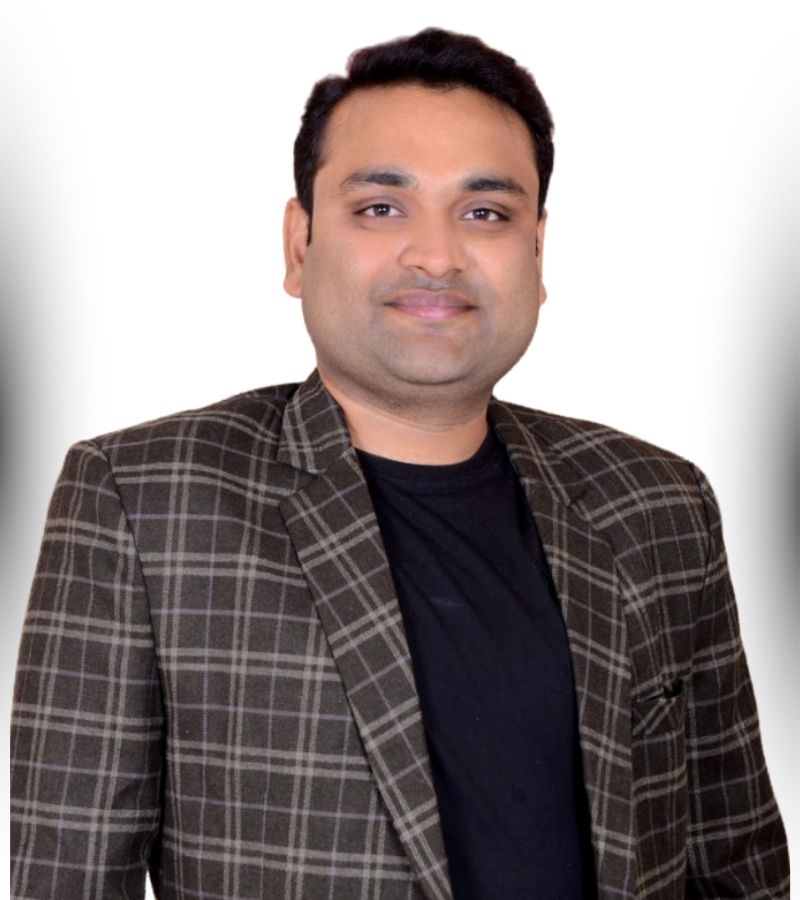
Ravi Sharma
Founder

Paras Nagar
Sr. Mentor
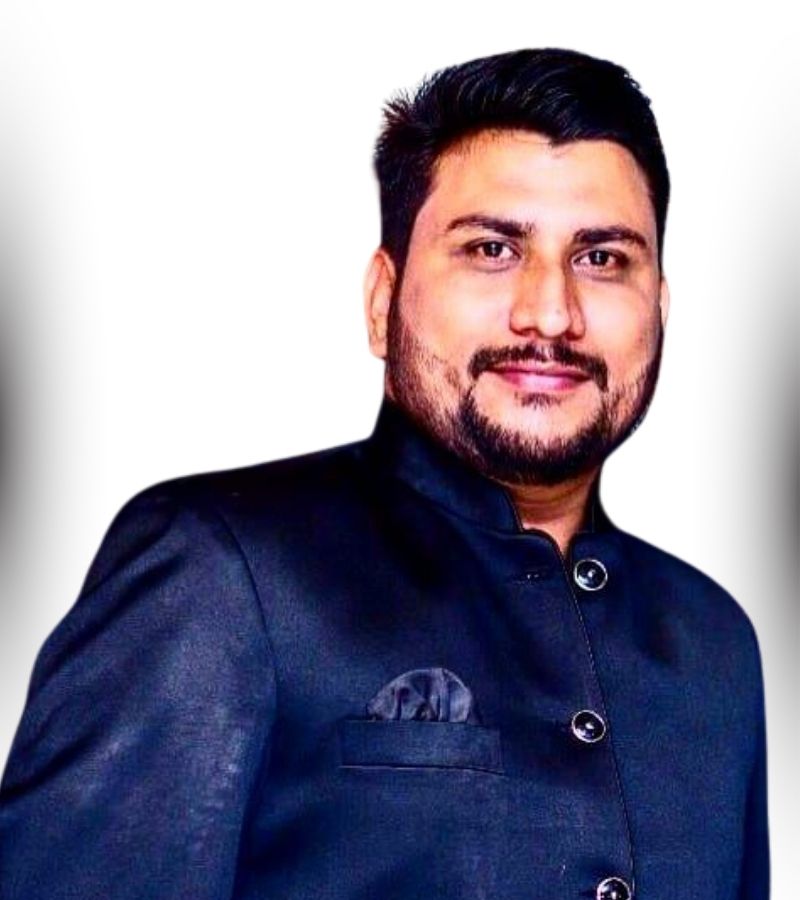
Rajat Sharma
Digital Head
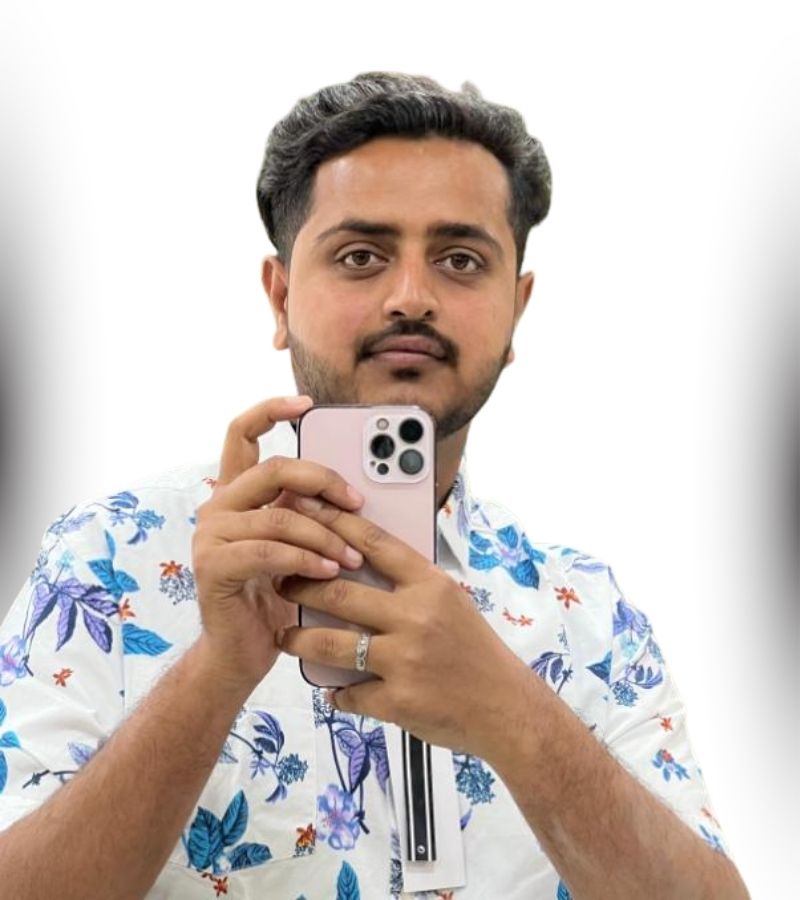
Vakar Ali
Drop shipping and E-commerce Experts
Finest Video Editing Course in Jaipur:
Become a Certified Video Editing Expert
Simple clips can be transformed into captivating narratives through the creative skill of video editing. The need for qualified video editors is expanding quickly due to the growth of YouTube, social media, movies, and digital marketing. You can express your creativity and establish a solid career in the media industry by learning video editing. You can turn unprocessed video into polished content that draws viewers in and conveys a clear message by becoming proficient with tools like cutting, color grading, and sound design.


Careers
Placement Support & Career Outcomes
We go beyond just certifications. At DGR Academy, our focus is helping you get placed in top digital roles or build a strong freelance career. From soft-skill training to 1:1 resume reviews, you’ll graduate job-ready with real brand experience and confidence.
- 100% Placement Assistance + Interview Practice
- Freelancing & Consulting Challenge (win client projects)
- Soft-Skill Mastery: Resume, Pitch, LinkedIn Optimization
- Highest Package Offered: ₹12 LPA
What Makes This Course Stand Out ?
Get hands-on experience, expert guidance, and the latest tools to master platforms like Instagram, Facebook, and LinkedIn. Everything you need to grow your career in social media—fast.
Life Time Mentorship Card
Get lifetime expert support, career guidance, and access to mentorship — anytime you need it.
Daily Accessible Live Class
Join live sessions every day and stay connected with mentors for daily learning, doubt-solving, and real-time guidance.
Free SSPD Program
Boost your confidence, communication, and professional skills with our free program designed to enhance your career growth and workplace success.
Live Project Work
Work on real client projects to gain hands-on experience and practical skills that prepare you for real-world challenges.
Become an Video Editing Expert
Master the Art of Video Editing
By learning video editing, you can turn your creativity into a valuable digital skill. With the growing demand for video content on platforms like YouTube, Instagram, and businesses, skilled editors have many career opportunities.
With practice, creativity, and the right training, you can create impactful videos that inspire, entertain, and inform audiences.
Ready to Apply?
Applying for Placements
You can apply for numerous opportunities via an open and free-to-all process. Placement providers use their own recruitment and selection procedures.